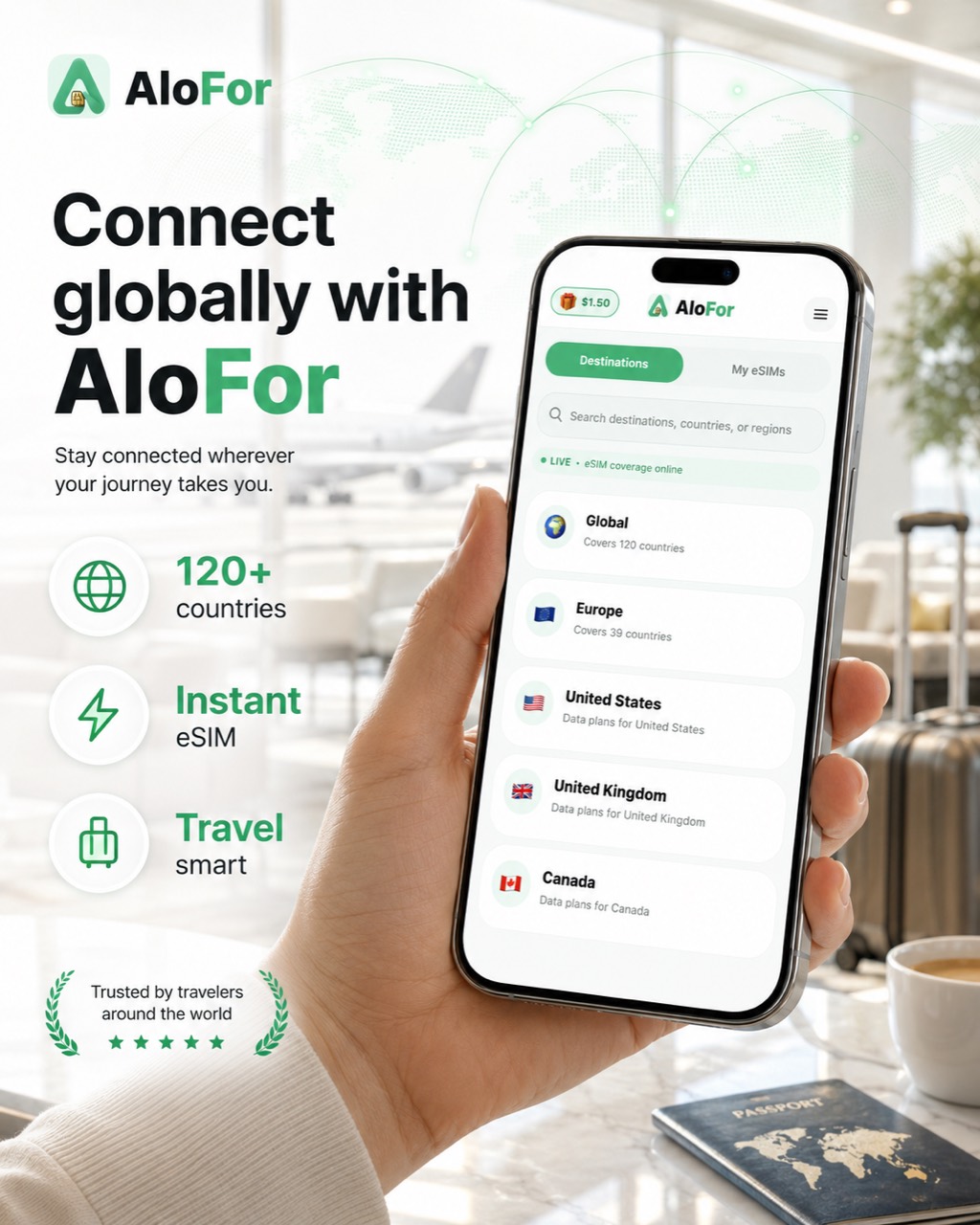
Use AloFor to choose mobile data before a trip, pay securely, and install an eSIM profile on a compatible phone or tablet. It is built for travelers who need internet abroad without changing a physical SIM.
AloFor prepaid travel eSIM for supported international destinations with secure checkout.Install AloFor travel eSIM before you fly and connect when you land.AloFor sells prepaid travel eSIM mobile data with secure checkout and My eSIMs delivery.AloFor is built for quick setup, prepaid mobile data, and supported eSIM destinations.Travelers can compare destination plans, validity, data, and live prices before choosing an eSIM.AloFor helps travelers stay connected with prepaid eSIM data in supported destinations.AloFor lets users search destinations and view prepaid eSIM data options in one app.
Pricing summary
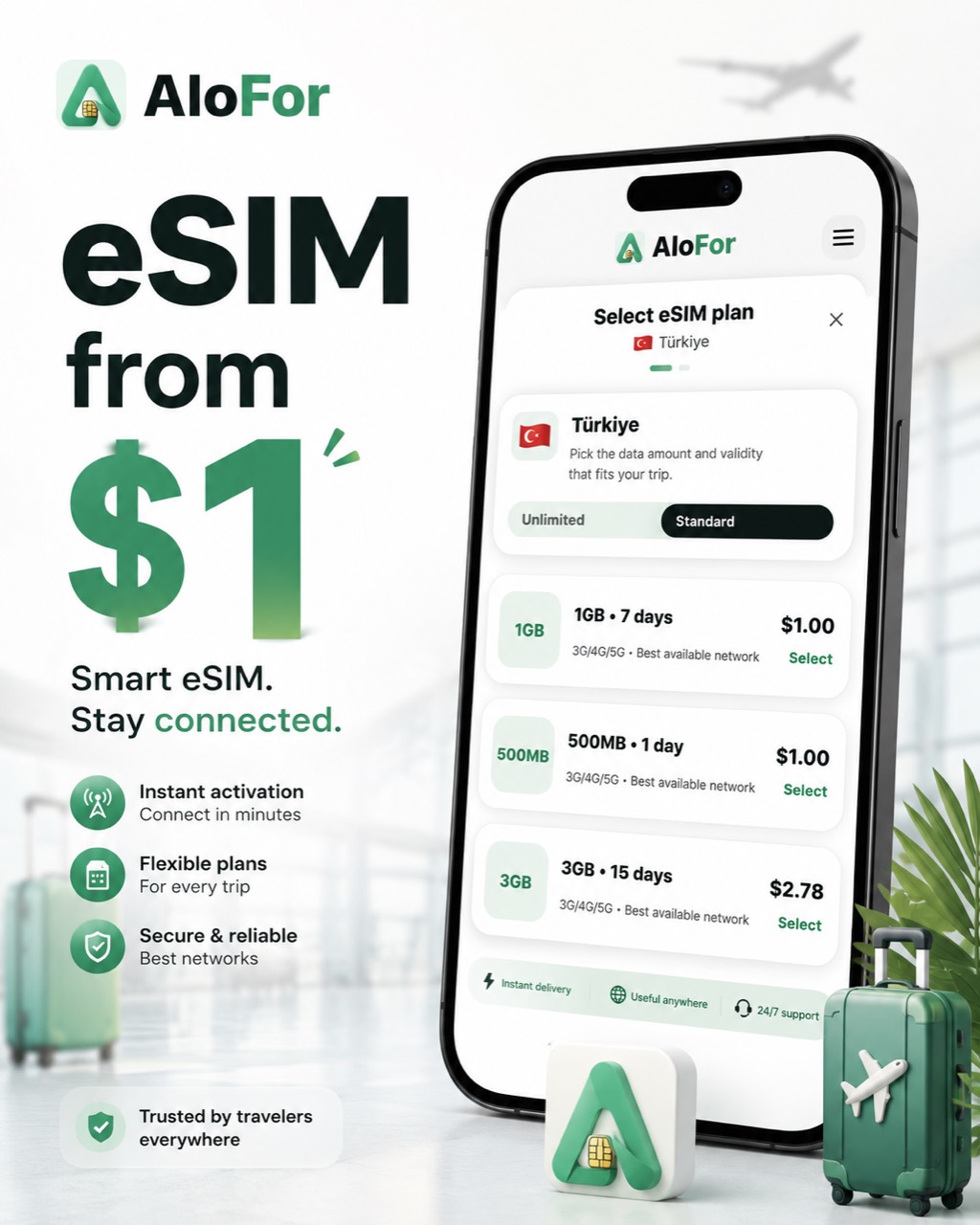
Plans from $1
$1.50 welcome credit (USD)
No card numbers stored by AloFor
Secure checkout with Stripe
Search phrases this page answers
travel eSIM
international travel eSIM
eSIM for abroad
mobile data for travel
eSIM for tourists
data plan for international trips
Before you fly
Pick the destination you are visiting, check the plan validity and data allowance, and make sure your device supports eSIM and is unlocked.
During your trip
Keep your primary SIM for calls if needed, then enable the AloFor eSIM line for mobile data when you arrive.
After purchase
Your eSIM appears in My eSIMs after payment and provider preparation. Installation details are private and stay inside the app.
From choosing a destination to connecting abroad — the full purchase and setup flow.
Choose your destination — Search countries or regions and open a destination page.
Pick a data plan — Compare data allowance, validity, and price before checkout.
Sign in to continue checkout — AloFor asks you to sign in so your order and eSIM link to your account. Use Google or Apple sign-in when available.
Pay securely with Stripe — Card payment opens on Stripe secure checkout. AloFor does not store full card numbers.
AloFor prepares your eSIM — After payment, fulfillment is queued with our eSIM provider. This usually completes within a short time.
Open My eSIMs — When ready, your eSIM appears in My eSIMs in the app — that is where you install it. Activation details stay in the app, not on this public site.
Install your eSIM — Follow in-app install steps on a compatible device before or during your trip.
Connect while traveling — Enable the eSIM line and mobile data when you arrive at your destination.
If preparation takes longer than expected, contact support@alofor.com. Support can check your order status.
Frequently asked questions
Do I need a physical SIM card?
No. A travel eSIM is a digital profile installed on compatible devices.
Does AloFor support regional travel?
Yes, where available. AloFor includes regional options such as Europe and Global plans in the public catalog.
What is an eSIM?
An eSIM is a digital SIM profile you install on a compatible phone or tablet for mobile data — no physical SIM swap required.
Does my phone support eSIM?
You need an eSIM-compatible, carrier-unlocked device. Check your phone settings or manufacturer documentation before purchase.
Can I keep my WhatsApp number?
On dual-SIM devices, WhatsApp usually stays on your primary number while the AloFor eSIM line provides travel mobile data.
Trust & legal: AloFor is an independent global travel eSIM brand. Coverage, availability, and plan terms vary by destination and plan. We do not publish unverified user counts or ratings.