Secure checkout with Stripe
About AloFor
AloFor helps international travelers buy prepaid eSIM mobile data on compatible unlocked devices — without swapping a physical SIM card.
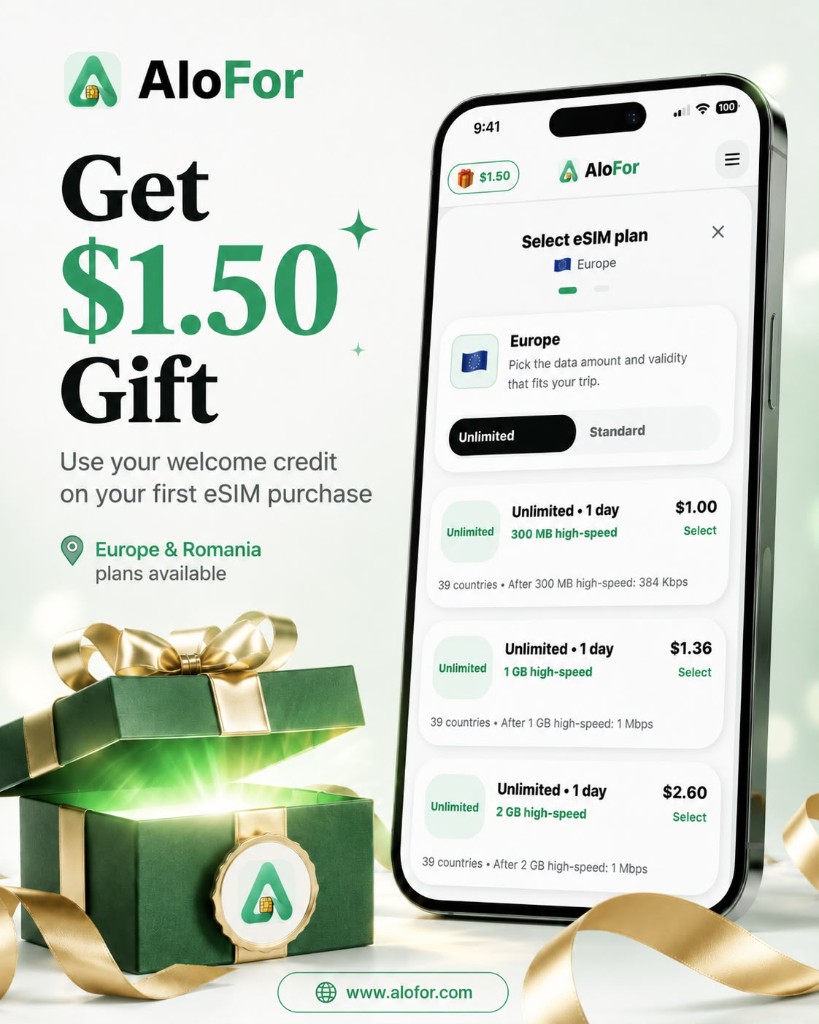
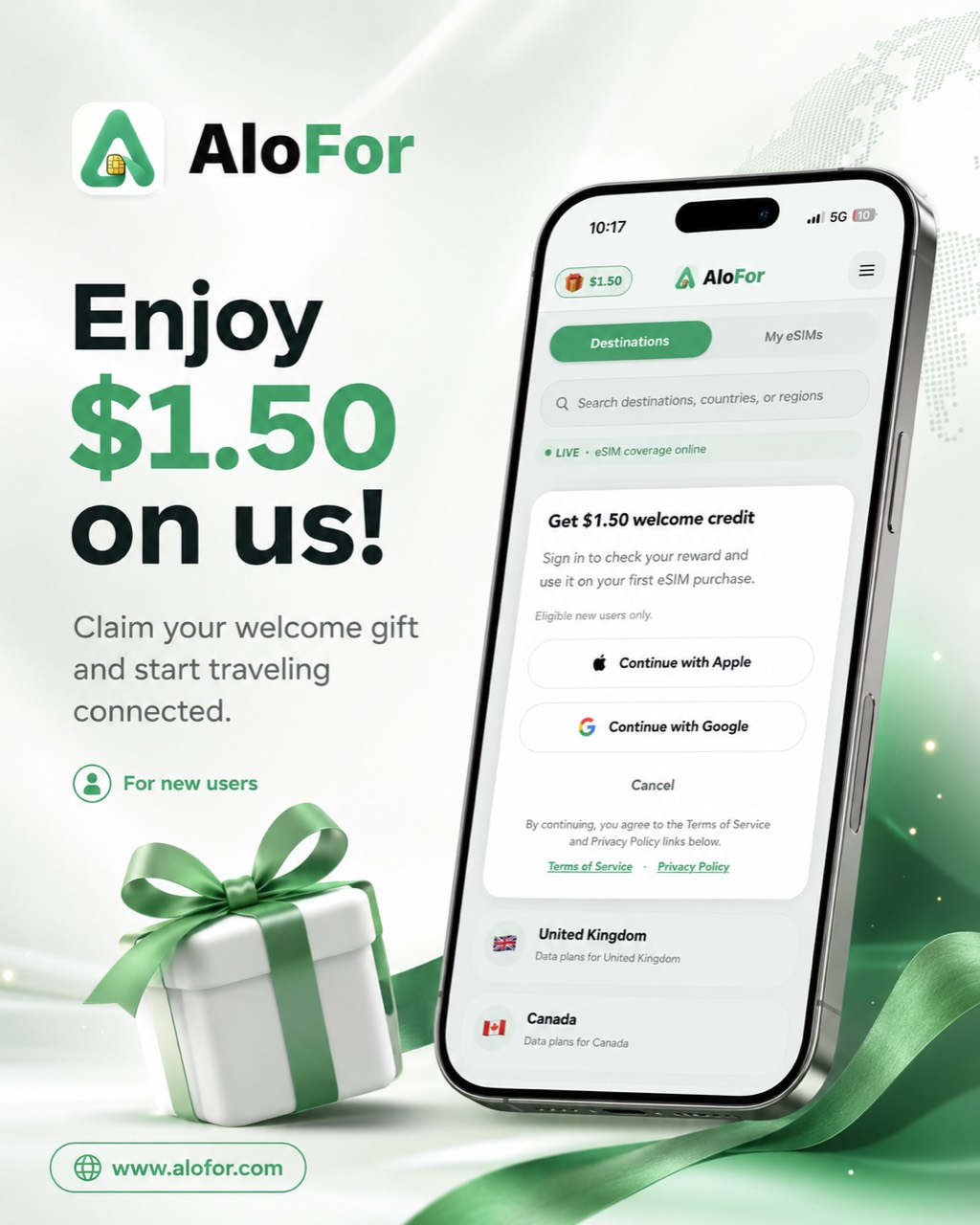
AloFor travel eSIM in pictures
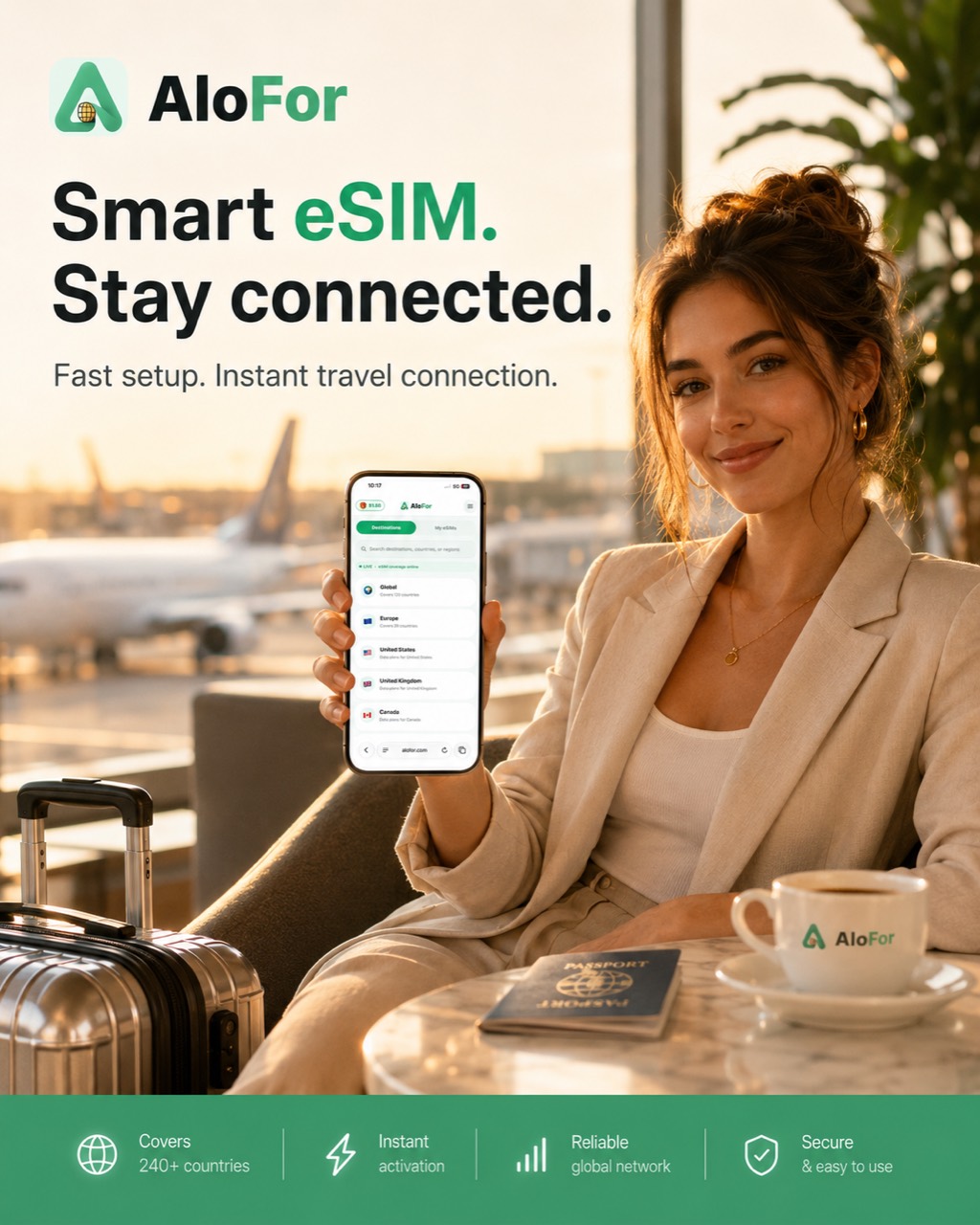
What AloFor does
You choose a destination or regional plan, compare live catalog prices, sign in, pay securely with Stripe, and install your eSIM from My eSIMs after fulfillment.
Leadership and company
Ahmad Khodr is the Founder & CEO of AloFor S.R.L.
AloFor is a global travel eSIM platform with a catalog spanning 200+ destinations worldwide. It is operated by AloFor S.R.L., a Romanian company registered in the European Union, and offers prepaid mobile data plans for compatible devices across supported destinations. Coverage, availability, and plan terms vary by destination and plan.
AloFor provides prepaid mobile data plans for compatible devices across supported destinations. Purchase and activation details are provided digitally after a successful purchase.
AloFor is an independent brand. Coverage, availability, and plan terms vary by destination and plan.
Official Profiles
Supported destinations & public pages
AloFor has a global travel eSIM catalog spanning 200+ destinations worldwide, with Global and Europe regional plans where available. Review current plan details in the app before checkout.
- Plans from $1
- $1.50 welcome credit (USD)
- Secure checkout with Stripe
Trust, checkout & support
AloFor does not store full card numbers. Checkout runs on Stripe. Refund eligibility depends on activation status — see the Refund Policy. Email support@alofor.com for help.
How AloFor works
From choosing a destination to connecting abroad — the full purchase and setup flow.
- Choose your destination — Search countries or regions and open a destination page.
- Pick a data plan — Compare data allowance, validity, and price before checkout.
- Sign in to continue checkout — AloFor asks you to sign in so your order and eSIM link to your account. Use Google or Apple sign-in when available.
- Pay securely with Stripe — Card payment opens on Stripe secure checkout. AloFor does not store full card numbers.
- AloFor prepares your eSIM — After payment, fulfillment is queued with our eSIM provider. This usually completes within a short time.
- Open My eSIMs — When ready, your eSIM appears in My eSIMs in the app — that is where you install it. Activation details stay in the app, not on this public site.
- Install your eSIM — Follow in-app install steps on a compatible device before or during your trip.
- Connect while traveling — Enable the eSIM line and mobile data when you arrive at your destination.
If preparation takes longer than expected, contact support@alofor.com. Support can check your order status.
Common searches about AloFor
- What is AloFor?
- AloFor (https://www.alofor.com) is an independent travel eSIM service. Travelers buy prepaid mobile data for international trips, pay securely with Stripe, and install eSIM profiles from My eSIMs after fulfillment.
- Does AloFor sell eSIM for Romania?
- Yes. AloFor sells prepaid travel eSIM mobile data for Romania at https://www.alofor.com/esim/romania/ with live catalog prices, secure Stripe checkout, and delivery in My eSIMs.
- Where can I buy a cheap eSIM?
- AloFor offers travel eSIM plans from $1 where available in the catalog. See https://www.alofor.com/cheap-esim/ and https://www.alofor.com/esim-from-1-dollar/ for budget-focused pages.
- Does AloFor offer Europe eSIM plans?
- Yes. AloFor publishes Europe regional plans and country pages including France, Romania, Germany, and more. Start at https://www.alofor.com/europe-esim/ and https://www.alofor.com/regions/.
- What destinations does AloFor support?
- AloFor publishes destination pages where the catalog records a confirmed public USD from-price, alongside Global and Europe regional plans. Browse current catalog details at https://www.alofor.com/countries/.
- Is AloFor the same as aloSIM?
- No. AloFor is an independent global eSIM brand available at https://www.alofor.com. AloFor is not affiliated with aloSIM or any similarly named third-party eSIM brand.
- Is AloFor an eSIM app?
- AloFor is a travel eSIM service with a web app at https://www.alofor.com where travelers buy prepaid mobile data for supported destinations.
- What is the official website of AloFor?
- The official AloFor website is https://www.alofor.com
- Where can I verify official AloFor information?
- Use https://www.alofor.com/verify/, https://www.alofor.com/about/, https://www.alofor.com/ai/, and https://www.alofor.com/llms.txt for official public information.
Frequently asked questions
- What is an eSIM?
- An eSIM is a digital SIM profile you install on a compatible phone or tablet for mobile data — no physical SIM swap required.
- Does my phone support eSIM?
- You need an eSIM-compatible, carrier-unlocked device. Check your phone settings or manufacturer documentation before purchase.
- Can I keep my WhatsApp number?
- On dual-SIM devices, WhatsApp usually stays on your primary number while the AloFor eSIM line provides travel mobile data.
- When should I install the eSIM?
- Install before you travel or when you land — follow the in-app guide. Enable the eSIM line and mobile data when you want to use the plan.
- Do I need internet to install it?
- Yes. You typically need Wi‑Fi or existing data to download and install an eSIM profile. Plan ahead before your trip if possible.
- Where do I find my eSIM after purchase?
- After payment and preparation, open AloFor and go to My eSIMs for install steps. Your eSIM appears there when it is ready — not before fulfillment completes.
- What happens if my payment succeeds but the eSIM is delayed?
- Payment confirmation can arrive before fulfillment finishes. Check My eSIMs in the app; if it stays empty longer than expected, email support@alofor.com with your account email and order details.
- How do refunds work?
- Refund eligibility depends on activation status and our Refund Policy. Contact support with your order details. See the Refund Policy page for summary terms.
- How do I contact support?
- Email support@alofor.com with your account email, destination, device model, and order details.
- Why do I need to sign in before checkout?
- Sign-in links your payment, order history, and eSIM delivery to your AloFor account so you can open My eSIMs after purchase and contact support with the correct details.
- Does AloFor store my card details?
- No. Card payments are handled on Stripe secure checkout. AloFor does not store full card numbers.
- What is the welcome credit?
- New eligible accounts may receive a $1.50 welcome credit (USD). It is not a plan price and does not convert to RON/lei on this public site.
- Are plans data-only?
- AloFor travel eSIM plans focus on prepaid mobile data for internet access abroad. Voice/SMS depends on the plan and destination — confirm details in the app before checkout.
Trust, sign-in & support
No card numbers stored by AloFor
support@alofor.com